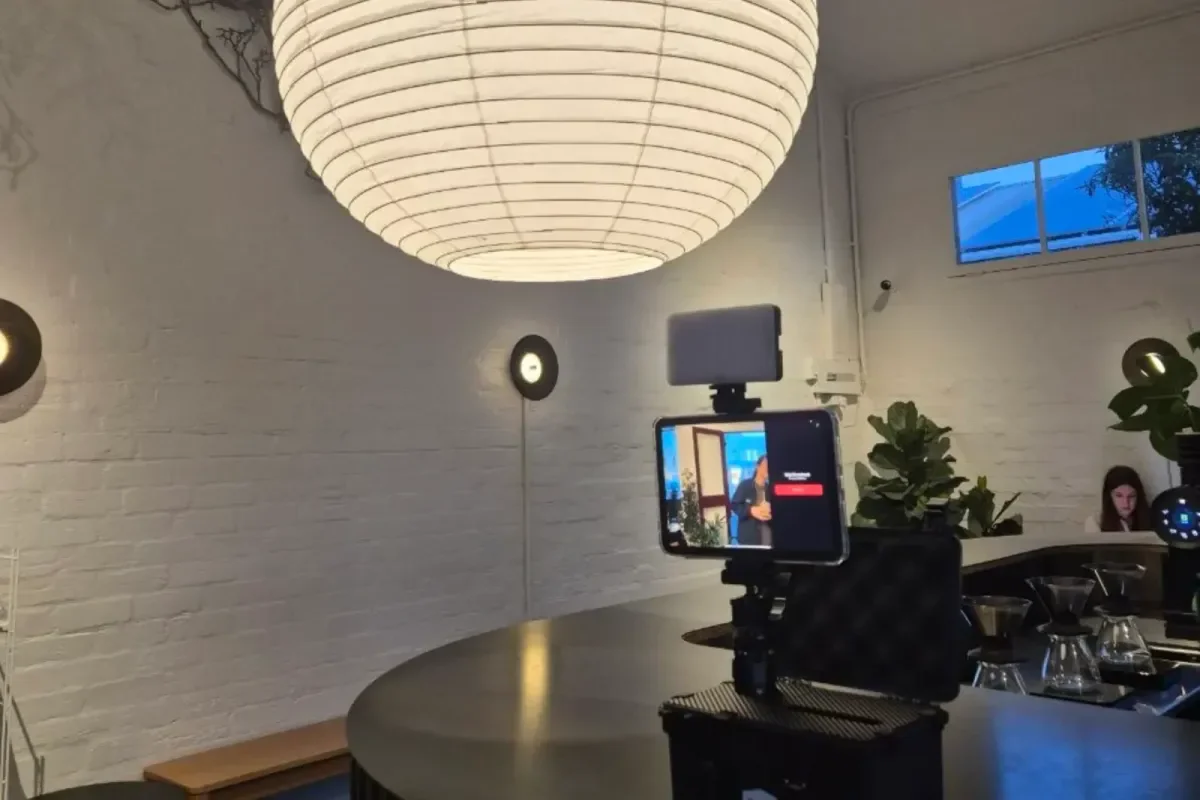
The brief
Clients book it as an add-on activity: it builds awareness for their brand and gives guests an affordable keepsake. For guests, it had to be fuss-free, so I kept the features to the few that give most of the result.
Memory Vault started as part of my booth at JCulture. It now runs as a service for events in Singapore and Melbourne, with clients including Fireplace and Inclusive Market by Mathilda Huang.
Most event photobooths are built to stay put: heavy rigs and glossy prints that need a crew to move. I wanted the opposite, a booth I could carry between cities and fit into a market stall, a company party or a house party. Guests snap a photo and leave seconds later with a receipt-style strip carrying the event’s branding. The hardest constraint was that it had to run by itself all night, in venues with no reliable wifi.
Designing for guests and for the people running it
Two kinds of people use the booth: a guest who has never seen it, and the staff running it all night.
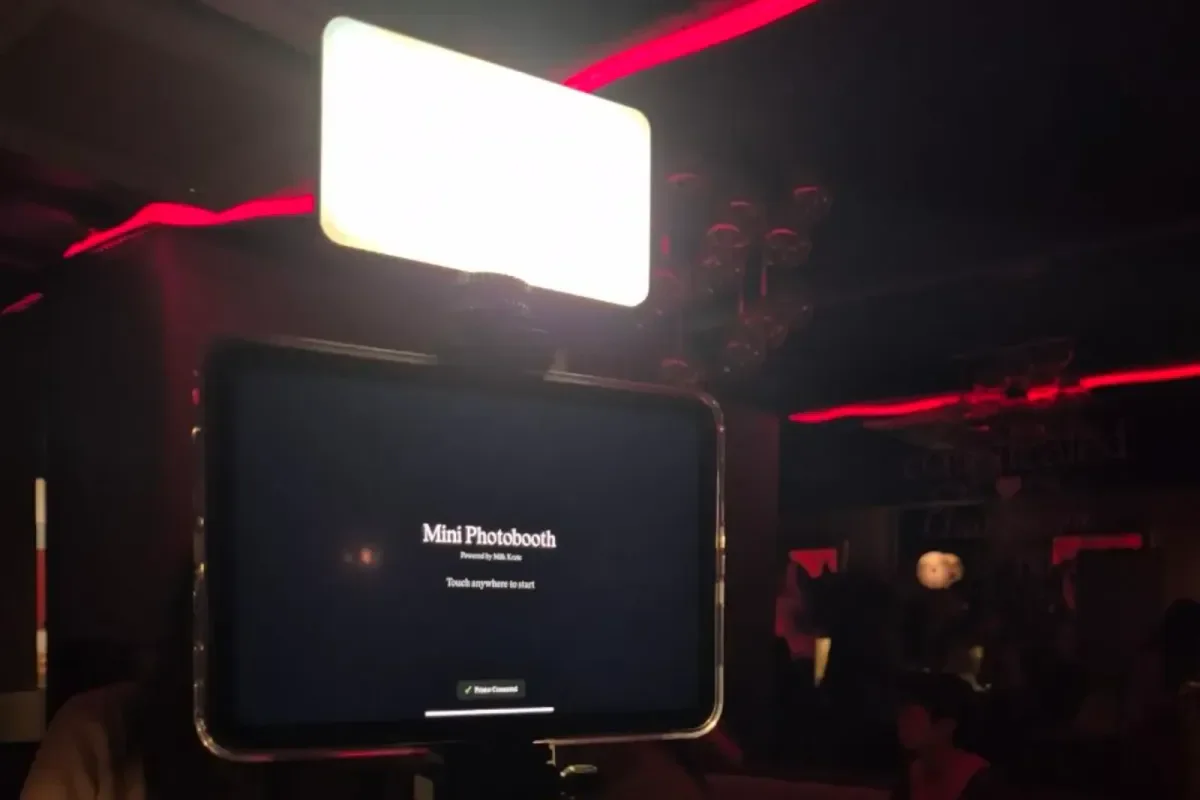
For guests: touch anywhere to start, a countdown they can cancel, a white flash to confirm the shot, then a preview of their colour photo. At first the preview showed the dithered image, and guests didn’t like it. That view moved behind a small “Print preview” toggle, which now shows exactly what will print, pixel for pixel.
For staff: settings sit behind a hidden gesture and a PIN. The booth goes to standby when idle and reconnects to the last printer by itself. Client banners, frame shape (square or tall) and layout (landscape or portrait) are settings, not rebuilds.
Designing my own enclosure
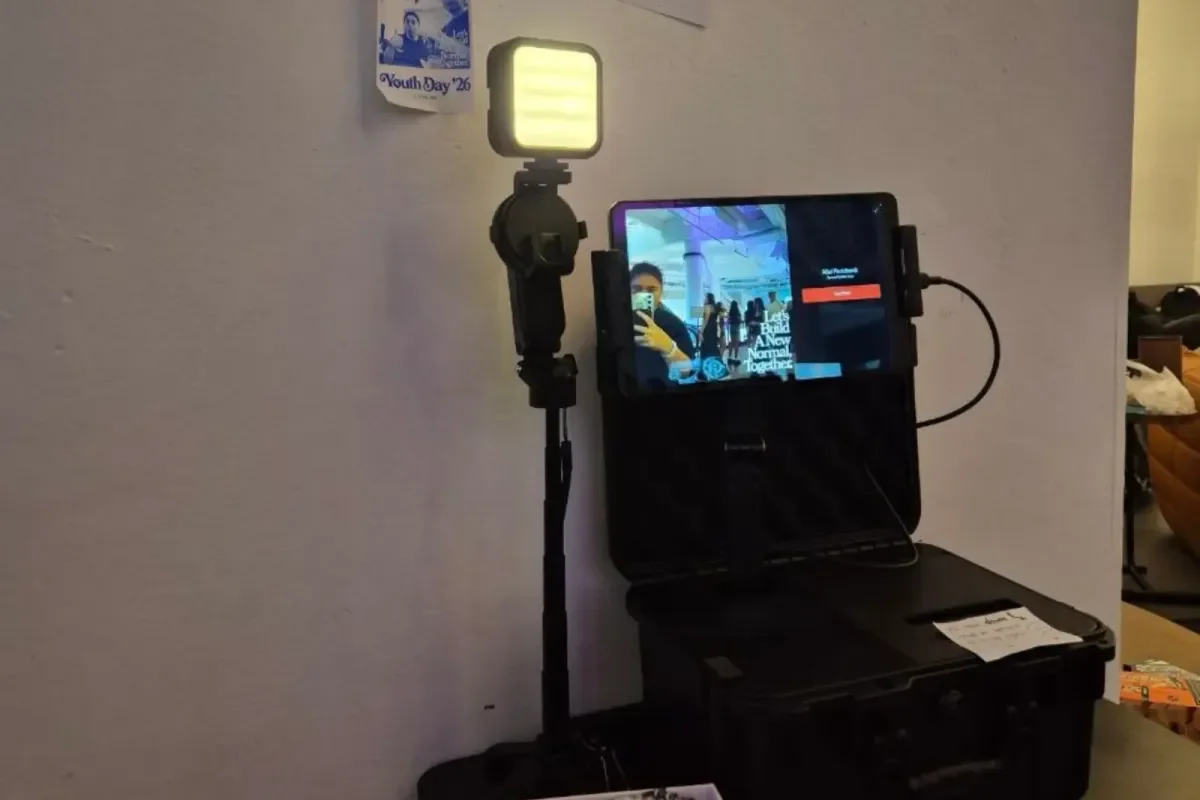
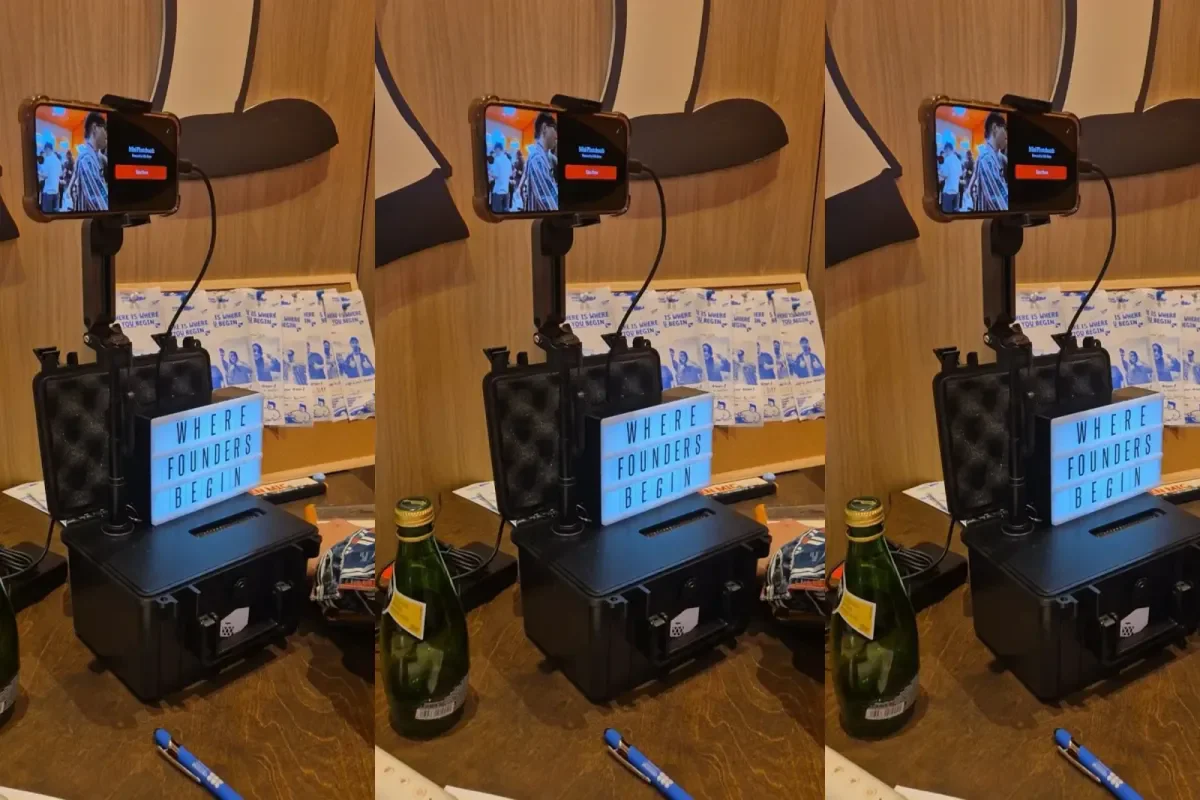
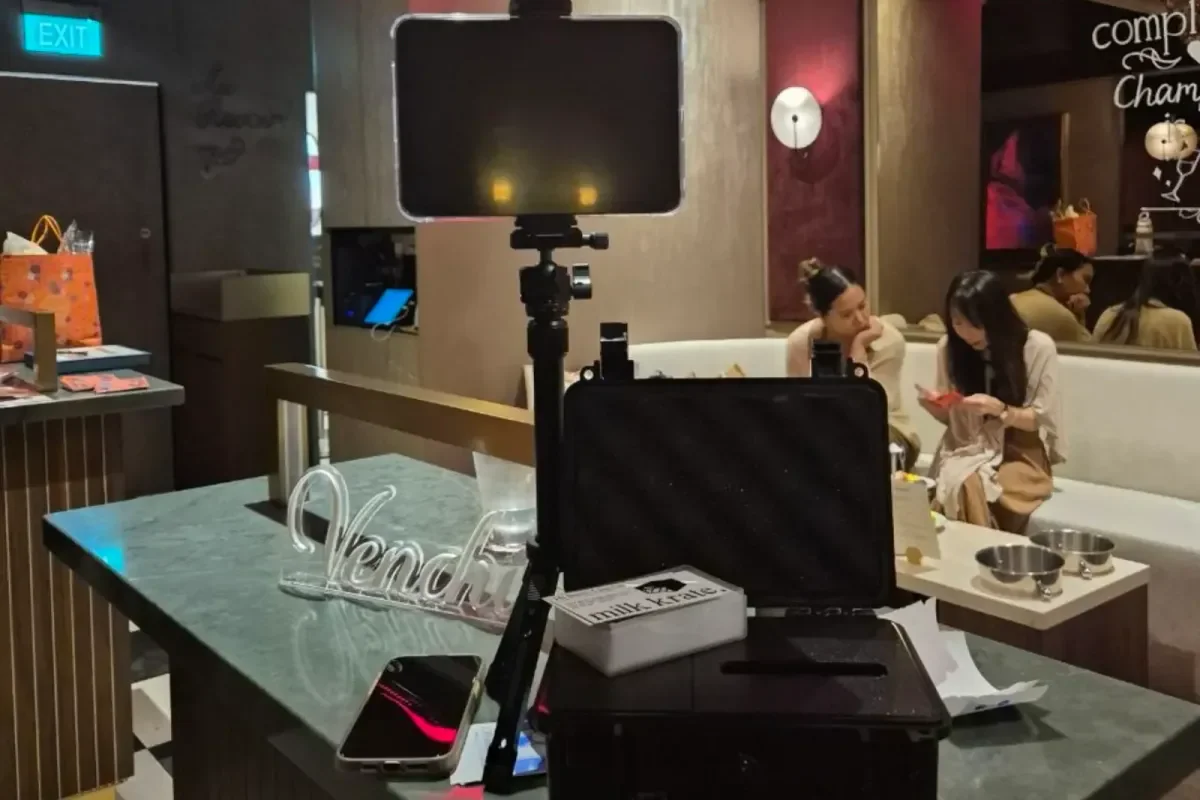
A printer, a tripod and a tablet loose on a table looks like a setup still in progress, and every piece is one more thing to pack. I wanted one object that arrives closed, opens up and is ready to shoot. The base is a black hard case with the printer inside and the strip feeding out through a slot at the front. The screen sits on a mount above it, with a light panel to keep faces lit in dark venues.
I 3D-modelled the custom parts and sourced the rest, choosing components to match the look and keep the build modular, so one part can be swapped without rebuilding the rig. The cost is that it’s a one-off: every repair and upgrade is mine to design and make.
Printing on the spot without venue wifi
I could have uploaded photos to a server and printed from there. I went offline-first: capture, cropping, dithering, branding and printing all happen on the device, which sends each strip straight to a thermal printer. A session never waits on the venue’s network.
Thermal printers only lay down black dots, so a raw photo prints as dark mush. Each photo runs through a C++ pipeline: grayscale, auto-levels to cancel out venue lighting, a curve that lightens midtones to offset ink spread, and sharpening. Floyd–Steinberg dithering then turns it into dots at the printer’s exact width. The same C++ runs on iPad and Android, so prints match on both.
The cost: guests leave with paper only, and I own every bug in the print path.
React Native instead of a web app
A web app would have been quicker to ship and update. But a browser can’t reliably drive a thermal printer, and it can’t lock a tablet into a kiosk. React Native gave me one TypeScript codebase for iPad and Android, native camera control, and a kiosk mode with PIN-gated settings and a screen that stays awake.
The cost was native work I hadn’t planned for. The printer package wasn’t built for my use case, so I had to make changes to it. Its iOS layer was broken, it resampled every image on the way out, which streaked the prints, and it sent data faster than the printer could take it, which turned tall prints into gibberish. Every change also needs a fresh release build before an event.
Running it as a service
I talk to clients and write the quotations myself. A quote depends on event length and location, with any travel fee included upfront, and goes out within a day. Each client gets a custom strip design with their logo, event name, date and colours, sent for approval before the event, or they can supply their own artwork to my template.
Muddy prints and a setting that did nothing
After an early event, the feedback was blunt: prints looked muddy, the preview screen felt unfinished, and the darkness setting did nothing.
Rather than tune each one by eye, I traced all three back through the pipeline. Two came from the order of the steps: the photo was sharpened and toned before it became grayscale, so blues and greens went near-black. Moving grayscale to the front fixed every later step at once, and the tone curve now lightens midtones to offset ink spread. The darkness setting failed for a subtler reason: dithering spreads each pixel’s rounding error to its neighbours, so moving the cut-off point barely changed the print. I made it a brightness shift before dithering, and cleared old saved values so no booth kept a setting that now meant something else. Then I rebuilt the preview from the print file itself, so it can’t drift from the paper.
Each fix now has a short write-up of its cause, so the next change starts from why the pipeline is built this way. The next step is a set of reference photos that run through the pipeline on every change, so a regression shows up on screen before an event, not on paper.
Outcome
Businesses have booked Memory Vault as the side activity at 10 events, from 25 to 600 guests. It gives them something guests haven’t seen before, at a cost that makes sense for an add-on.
The value carries on after the event. Guests photograph their strips and share them, and every shared photo carries the client’s logo, event name and date to people who were never in the room.
Some clients have come back to book it again, and most new leads come from people who saw the booth at an event. Honeycombers promoted it in an article on a girls’ night out at The Champagnery.
The strip is small, but it outlasts the night: guests keep it, share it, and remember who it came from.